I’m excited to lay out my vision board for 2023. This is the first year that I have created a board but I think it will help me to aesthetically focus on what I hope to achieve for the year ahead. I don’t see these as quick resolutions; more as goals to aim towards throughout the year and if I don’t succeed this year, then I can add them to my board the following year.
But here is how I created my vision board, if you would like to have a go at making one as well.
Every image on my board has an emotion or a goal for me to aim toward. I wanted to ensure that every image gave me a feeling when I see it and all images need to be something you’re wanting to manifest into your life for the following year.
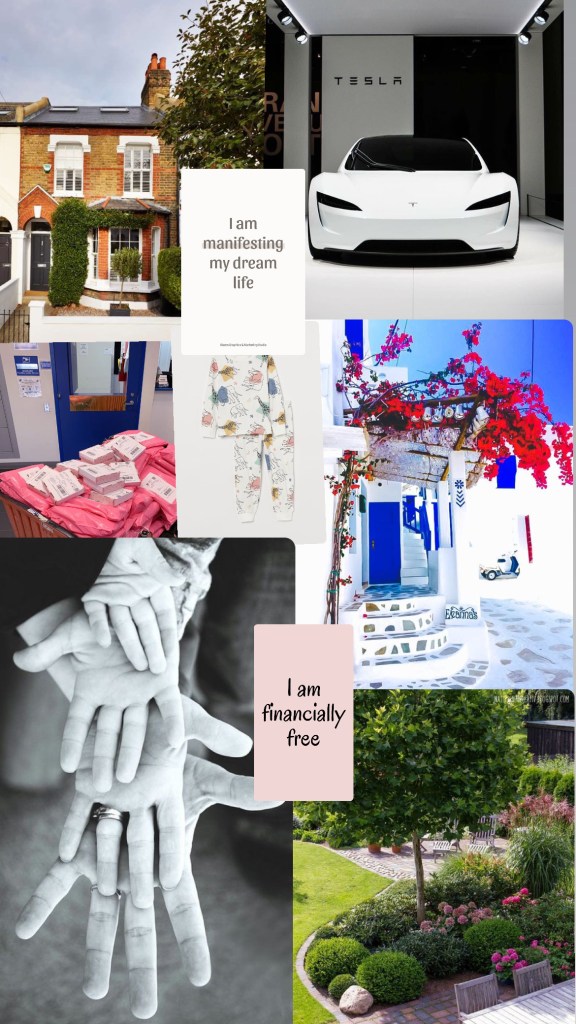
VISION BOARD – 2023
Example:
- a vacation spot that is on your travel list
- a health or fitness goal
- a career goal
- a purchase you’re desperate to make one day
- an interior style you hope to utilise
- a huge plan for your future
- a motto you hope to live by
FIND YOUR IMAGERY
This was the fun part. I can spend hours scrolling on Pinterest for the things I love. The best way to use Pinterest, I have found, is to download the app onto your phone, create an account and just start searching for imagery and pinning them to new boards. When I find images I like, I download the image by clicking on the top right ellipsis (…) this will save the image to your phone’s camera roll.

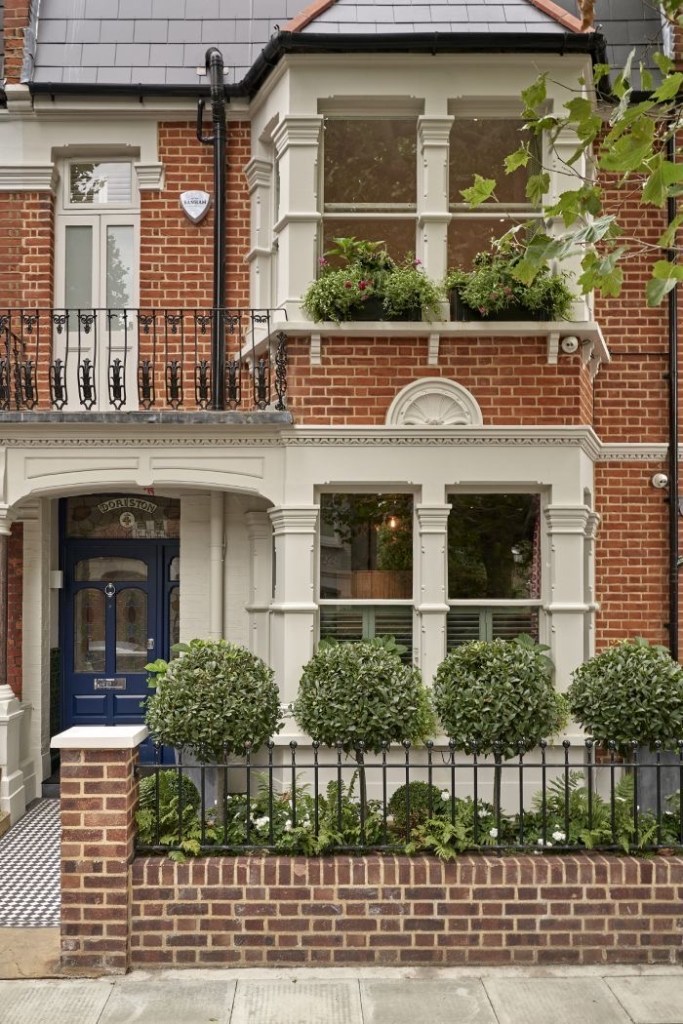
I found the easiest way to make the vision board was on Instagram stories.
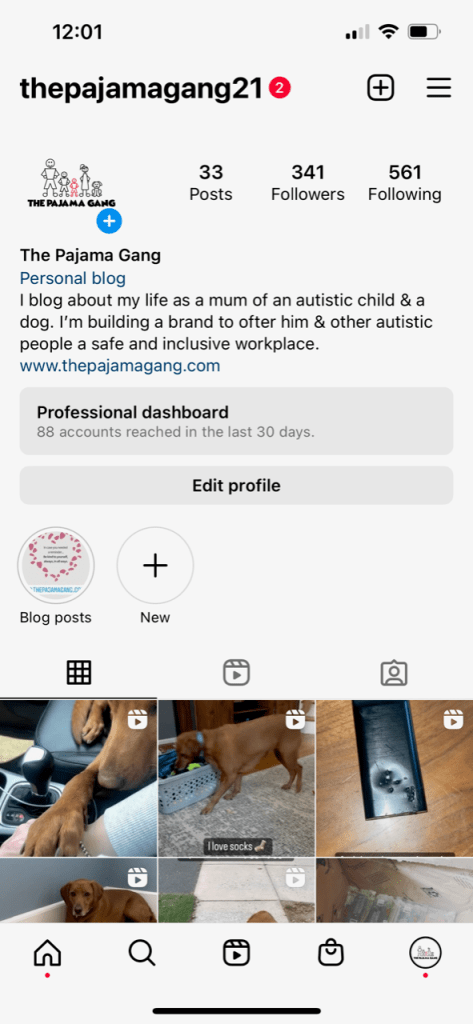
Click on the blue plus sign to add a new story.
It will open all your recently saved pictures from Pinterest. Tap on one of the pictures you want to add to your vision board.
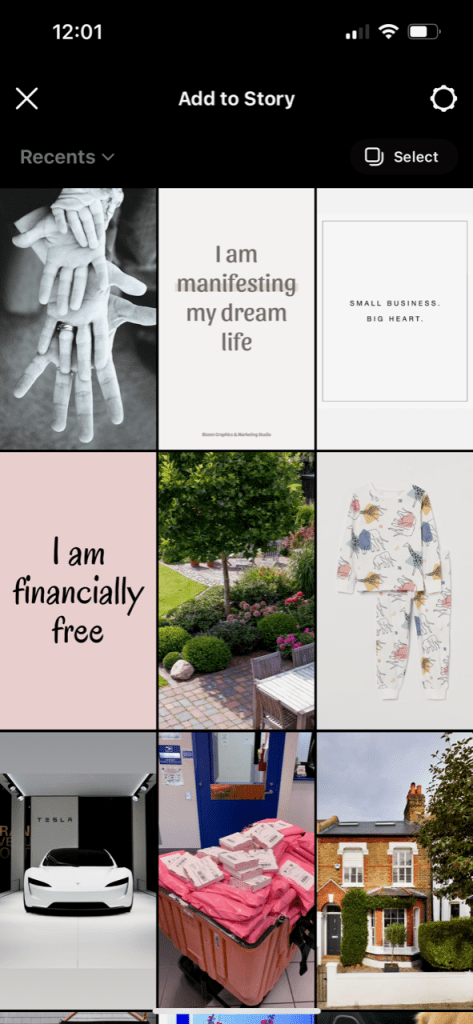
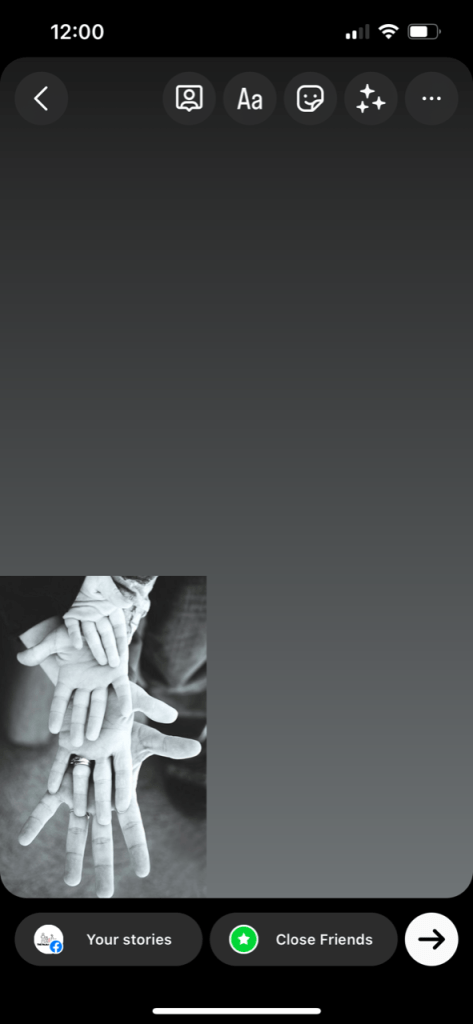
You can then change the size of the of image by pinching it and then you can move it to where ever you want it to be on your board. Then you are going to click on the smiley face icon at the top of the Instagram stories page.
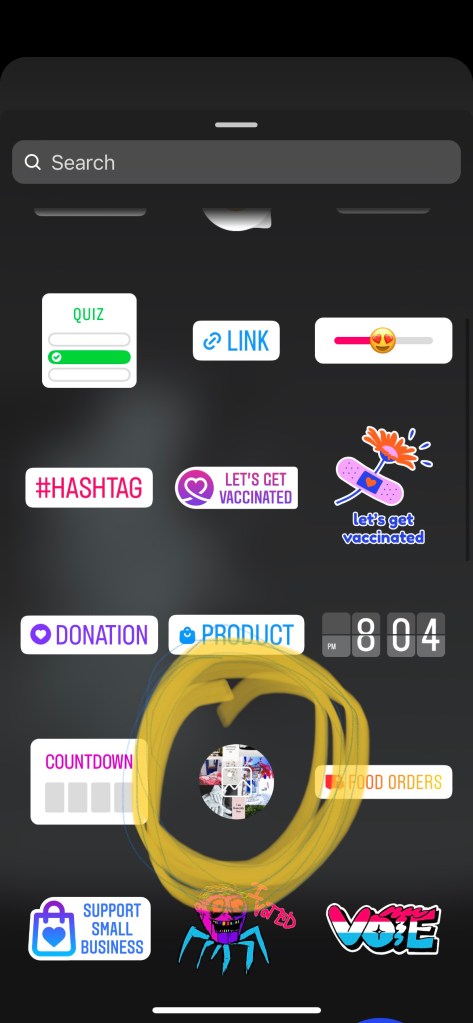
You will scroll down until you see the icon circled in yellow. Click on it and it will take you back to your camera roll where you can select your next picture.
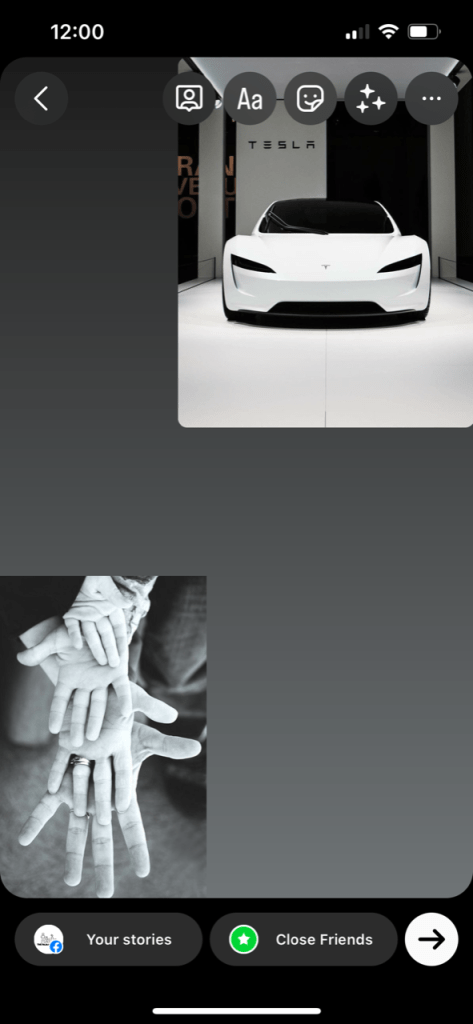
Again, resize by pinching the picture and keep going until you have added all the images you want to manifest into your life. Once you are done, save it to your camera roll.
I’m added my vision board to my lock screen and wall paper on my phone- that way I have to look at it multiple time a day and it keeps me inspired and focused.
 The Pajama Gang